









What Is Windows 10 and How It Works in Modern Computers
Windows 10 is a widely used operating system developed by Microsoft that provides a graphical interface to interact with computer hardware and software. It plays a crucial role in modern computing by managing system resources, running applications, and ensuring smooth communication between hardware and users. Windows 10 in computer science is studied as an example of a multitasking, multiuser operating system with advanced security and networking capabilities. Its user friendly interface, built in applications, and support for a wide range of devices make it an essential platform for students, professionals, and organizations.
Definition and Meaning
Windows 10 definition: Windows 10 is a system software and operating system developed by Microsoft that manages computer hardware, software resources, and provides services for computer programs.
- Operating System - Software that controls and coordinates computer hardware.
- Graphical User Interface - GUI - Allows users to interact using icons, windows, and menus.
- Multitasking - Ability to run multiple applications at the same time.
- System Software - Software that manages and controls computer operations.
How Windows 10 Works
Windows 10 working is based on managing hardware resources and providing an interface between the user and the system. It uses a combination of kernel, system services, and user interface components.
- When the computer is powered on, the boot loader loads Windows 10 into memory.
- The kernel initializes hardware components such as CPU, RAM, and storage devices.
- System services and drivers are loaded to ensure proper device communication.
- The Graphical User Interface appears, allowing users to access programs through the Start menu and desktop.
- Applications run under the supervision of the operating system, which manages memory and processing time.
Types and Editions of Windows 10
Windows 10 is available in different editions designed for various user needs.
| Edition | Designed For | Main Features |
|---|---|---|
| Windows 10 Home | Personal users | Basic features, Cortana, Edge browser |
| Windows 10 Pro | Professionals and small businesses | BitLocker, Remote Desktop, advanced security |
| Windows 10 Enterprise | Large organizations | Advanced management and security tools |
Each edition includes core operating system functions but differs in security and management capabilities.
Components and Structure
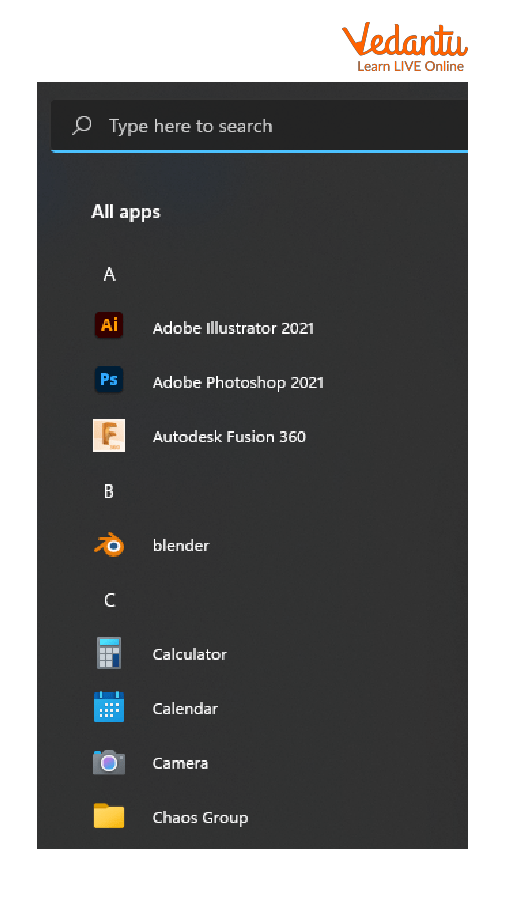
- Start Menu - Central access point for applications and settings.

- All Apps - Displays installed applications.
- Taskbar - Shows running applications and system notifications.
- File Explorer - Manages files and folders.
- Multitasking View - Allows switching between open windows.

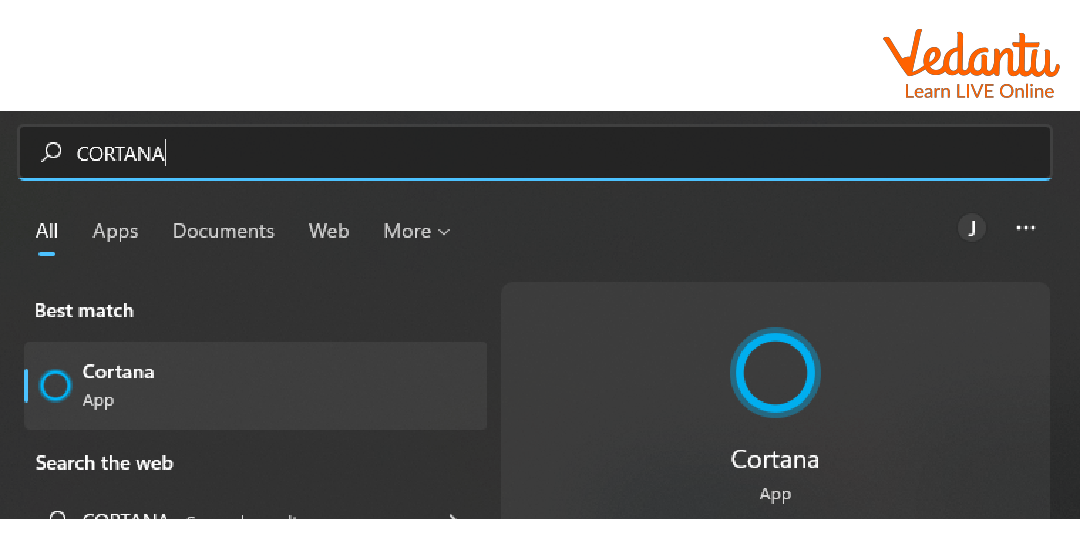
- Cortana - Digital assistant for search and commands.
Built in Applications
Windows 10 includes several default applications for everyday tasks.
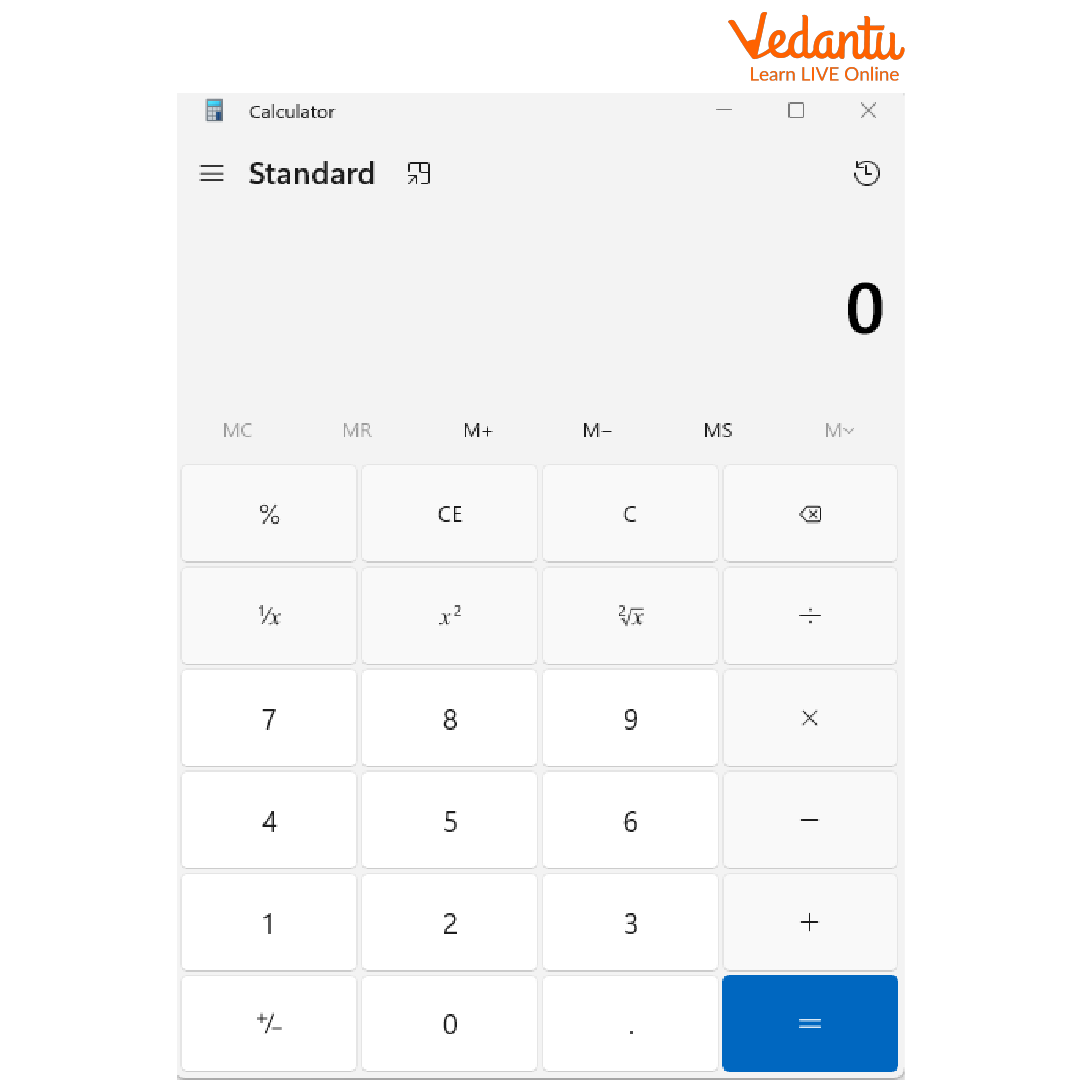
- Calculator
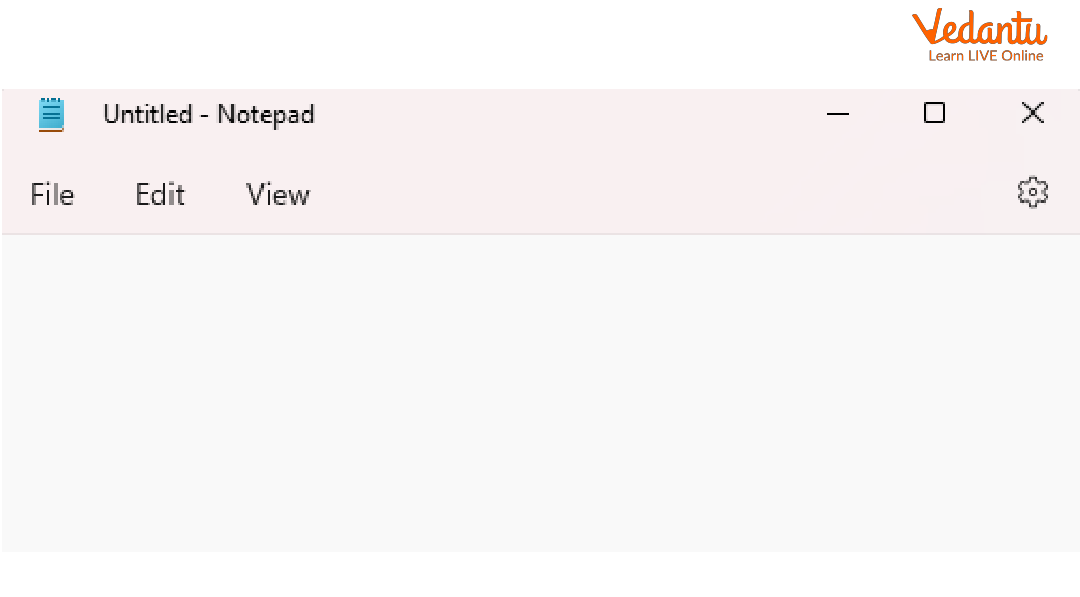
- Notepad
- WordPad
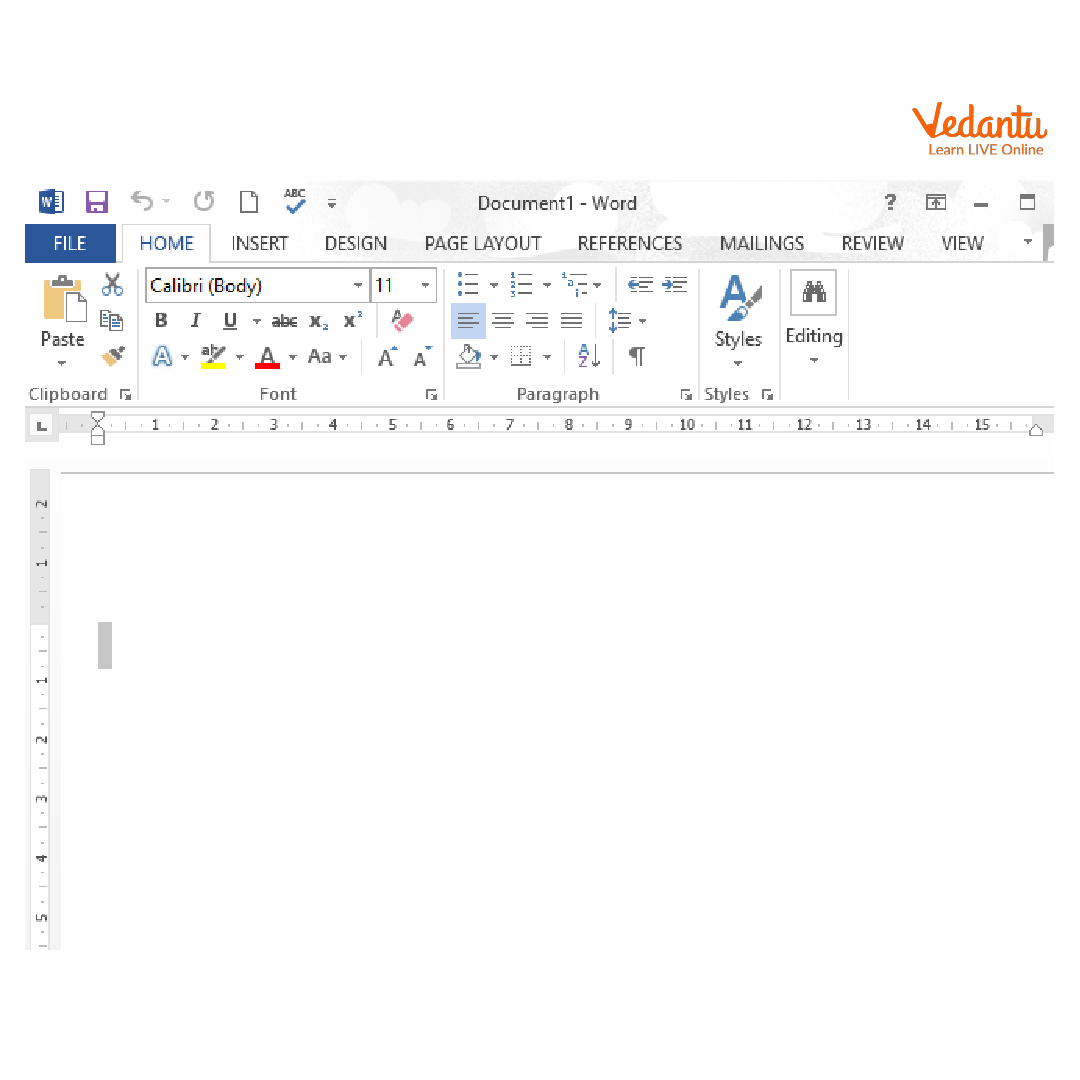
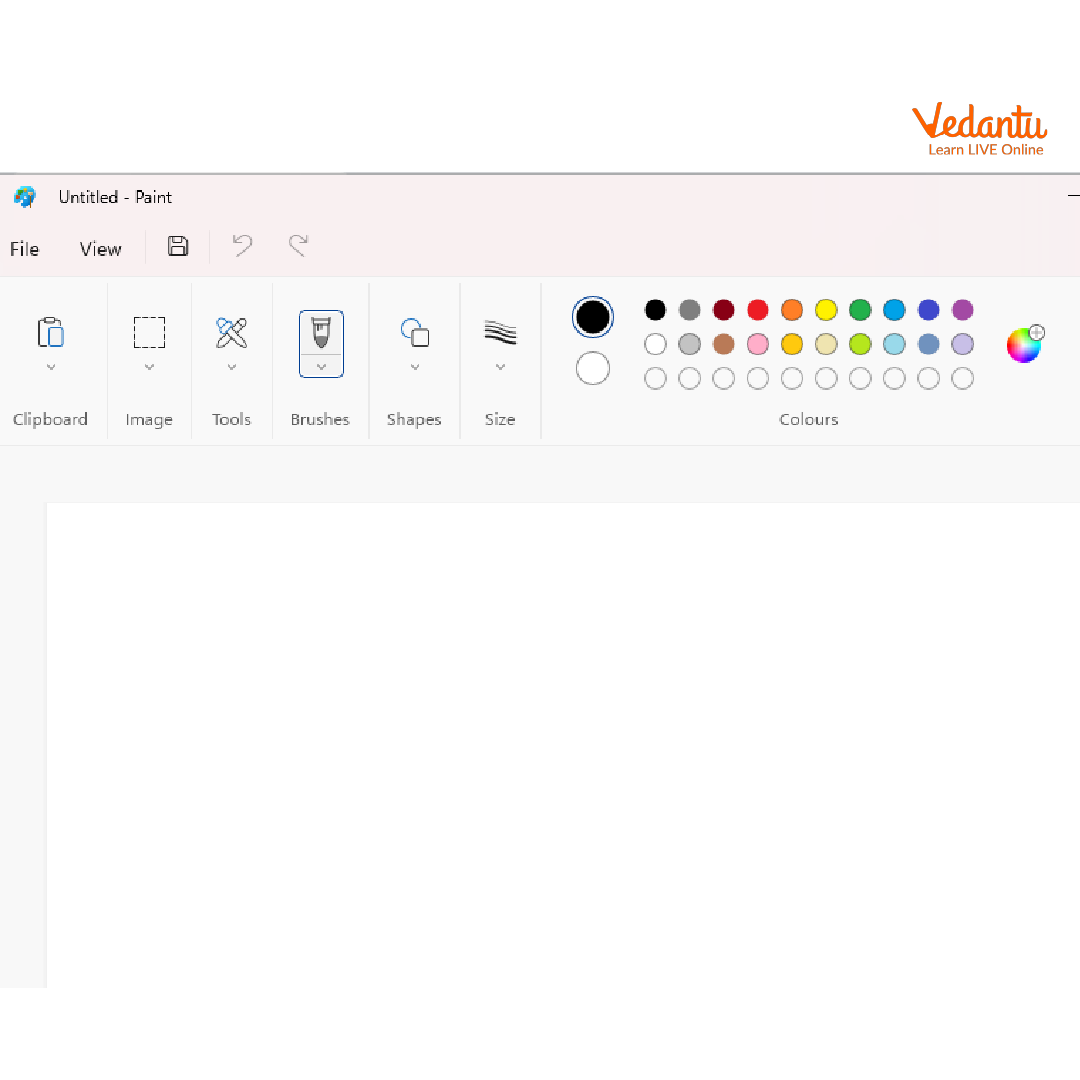
- Paint
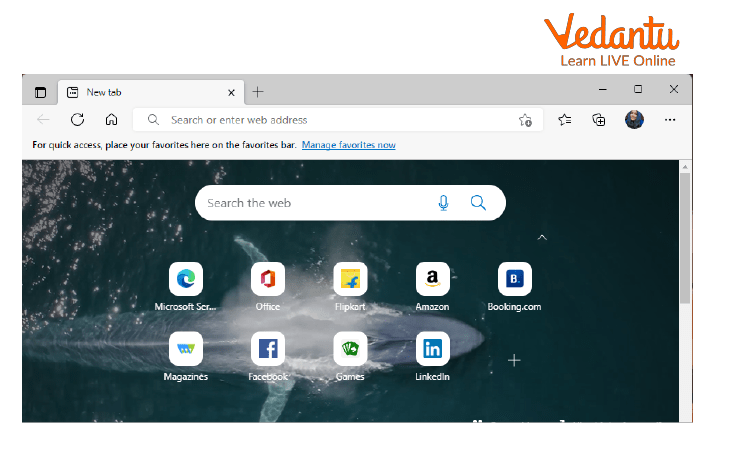
- Microsoft Edge - Default web browser.
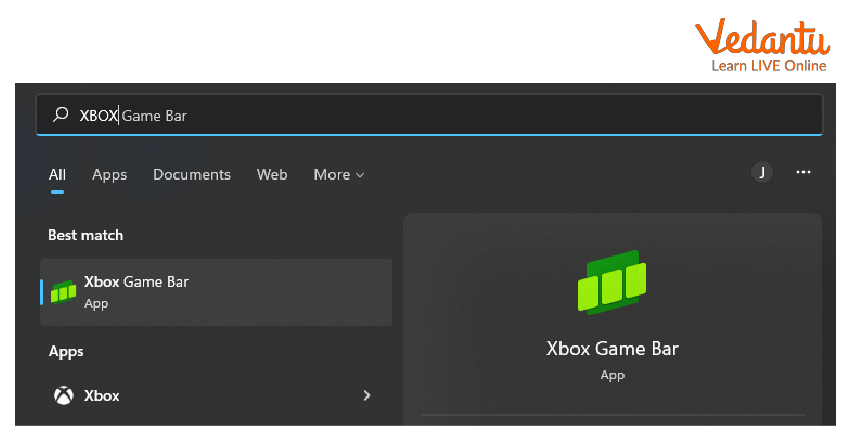
- Xbox App - Gaming and social features.
Features and Characteristics
- User friendly Graphical User Interface.
- Multitasking and virtual desktops.
- Built in security with Windows Defender and firewall.
- Regular system updates.
- Support for a wide range of hardware devices.
- Cloud integration with Microsoft services.
Advantages
- Easy to use interface suitable for beginners and professionals.
- Large software compatibility.
- Strong hardware and driver support.
- Enhanced security features.
Disadvantages / Limitations
- Frequent updates may interrupt users.
- Requires higher system resources compared to older versions.
- Some features are limited in the Home edition.
Applications and Use Cases
- Used in schools and colleges for learning and programming.
- Business environments for documentation and communication.
- Software development and testing.
- Gaming and multimedia editing.
- Networking and internet browsing.
Quick Facts About Windows 10
| Property | Details |
|---|---|
| Type | Operating System |
| Developed By | Microsoft |
| Initial Release | 2015 |
| Platform Support | PC, Laptop, Tablet |
| Latest Major Version | Windows 10 22H2 |
These facts highlight the technical background and platform support of Windows 10.
Interesting Facts About Windows 10
- Windows 10 reintroduced the Start menu after user feedback on Windows 8.
- It supports virtual desktops for better multitasking.
- Windows 10 includes built in antivirus protection.
- It was designed to run across multiple device types.
- DirectX 12 support improves gaming performance.
- It receives regular security and feature updates.
Conclusion
Windows 10 is a powerful and versatile operating system that plays a significant role in modern computing. Understanding Windows 10 in computer science helps students learn how operating systems manage hardware, software, and user interaction. With its strong security, multitasking capabilities, and wide application support, Windows 10 remains an important platform for education, business, and personal use. Learning its features and structure builds a solid foundation in operating system concepts.
FAQs on Windows 10 Complete Overview for Students and Professionals
1. What is Windows 10 in Computer Science?
Windows 10 is a Microsoft-developed operating system that manages computer hardware and software resources and provides a user interface for interaction.
- Released in 2015 by Microsoft
- Supports multitasking, file management, networking, and security
- Used in personal computers, laptops, and enterprise systems
2. What are the main features of Windows 10?
Windows 10 offers modern features that improve usability, security, and performance for users and developers.
- Start Menu with Live Tiles
- Cortana virtual assistant
- Microsoft Edge browser
- Virtual Desktops for multitasking
- Built-in Windows Defender security
3. How does Windows 10 work as an operating system?
Windows 10 works by acting as an interface between hardware components and application software.
- Manages CPU, memory, storage, and input/output devices
- Uses a kernel to control system operations
- Provides file system management using NTFS
- Supports process scheduling and multitasking
4. What are the system requirements for installing Windows 10?
Windows 10 requires minimum hardware specifications to run efficiently on a computer system.
- 1 GHz processor or faster
- 1 GB RAM (32-bit) or 2 GB RAM (64-bit)
- 16–20 GB storage space
- DirectX 9 compatible graphics device
5. What are the different editions of Windows 10?
Windows 10 is available in multiple editions designed for different users and organizational needs.
- Windows 10 Home for personal use
- Windows 10 Pro for professionals and small businesses
- Windows 10 Enterprise for large organizations
- Windows 10 Education for academic institutions
6. What are the advantages and disadvantages of Windows 10?
Windows 10 provides strong compatibility and usability but also has certain limitations.
- Advantages: Wide software support, user-friendly interface, strong hardware compatibility, regular security updates
- Disadvantages: Automatic updates, privacy concerns, license cost
7. How is Windows 10 different from Windows 7?
Windows 10 improves security, performance, and modern features compared to Windows 7.
- Includes Microsoft Edge instead of Internet Explorer as default
- Supports DirectX 12 for gaming
- Provides regular security updates
- Windows 7 support ended in 2020
8. What is the file system used in Windows 10?
Windows 10 primarily uses the NTFS (New Technology File System) for storing and managing files.
- Supports large file sizes
- Provides file permissions and encryption
- Ensures better security and reliability
9. What is Device Manager in Windows 10?
Device Manager is a system utility in Windows 10 used to manage and control hardware devices.
- View installed drivers
- Update or uninstall hardware drivers
- Troubleshoot hardware conflicts
- Enable or disable devices
10. Why is Windows 10 important for exam and interview preparation?
Windows 10 is important in exams and interviews because it demonstrates knowledge of operating system concepts and practical system usage.
- Common topic in Computer Science fundamentals
- Questions on OS features, file systems, and security
- Useful for practical skills in networking, cybersecurity, and software development
