








How HTTP Works Request Response Model Methods and Status Codes
Hypertext Transfer Protocol (HTTP) is the foundation of data communication on the World Wide Web. It enables web browsers and servers to communicate with each other by transferring web pages, images, videos, and other resources. Whenever you open a website, submit a form, or click a link, HTTP is working behind the scenes to request and deliver information. Understanding HTTP in computer science is essential for learning web development, networking, cybersecurity, and cloud computing, as it defines how clients and servers exchange data over the internet.
Definition and Meaning
Hypertext Transfer Protocol definition: HTTP is an application layer protocol used for transmitting hypermedia documents such as HTML over the internet. It follows a client-server model and works on a request-response mechanism.
- Protocol - A set of rules that governs data communication.
- Client - Usually a web browser that sends requests.
- Server - A machine that stores and delivers web resources.
- Request - A message sent by the client asking for a resource.
- Response - The reply sent by the server containing the requested data.
How It Works - Working Principle
The HTTP working is based on a simple request-response cycle between a client and a server. It operates over the TCP/IP protocol suite and typically uses port 80.
- The user enters a URL in the web browser.
- The browser sends an HTTP request to the web server.
- The server processes the request.
- The server sends back an HTTP response with a status code and requested data.
- The browser displays the received content to the user.
Working of HTTP:
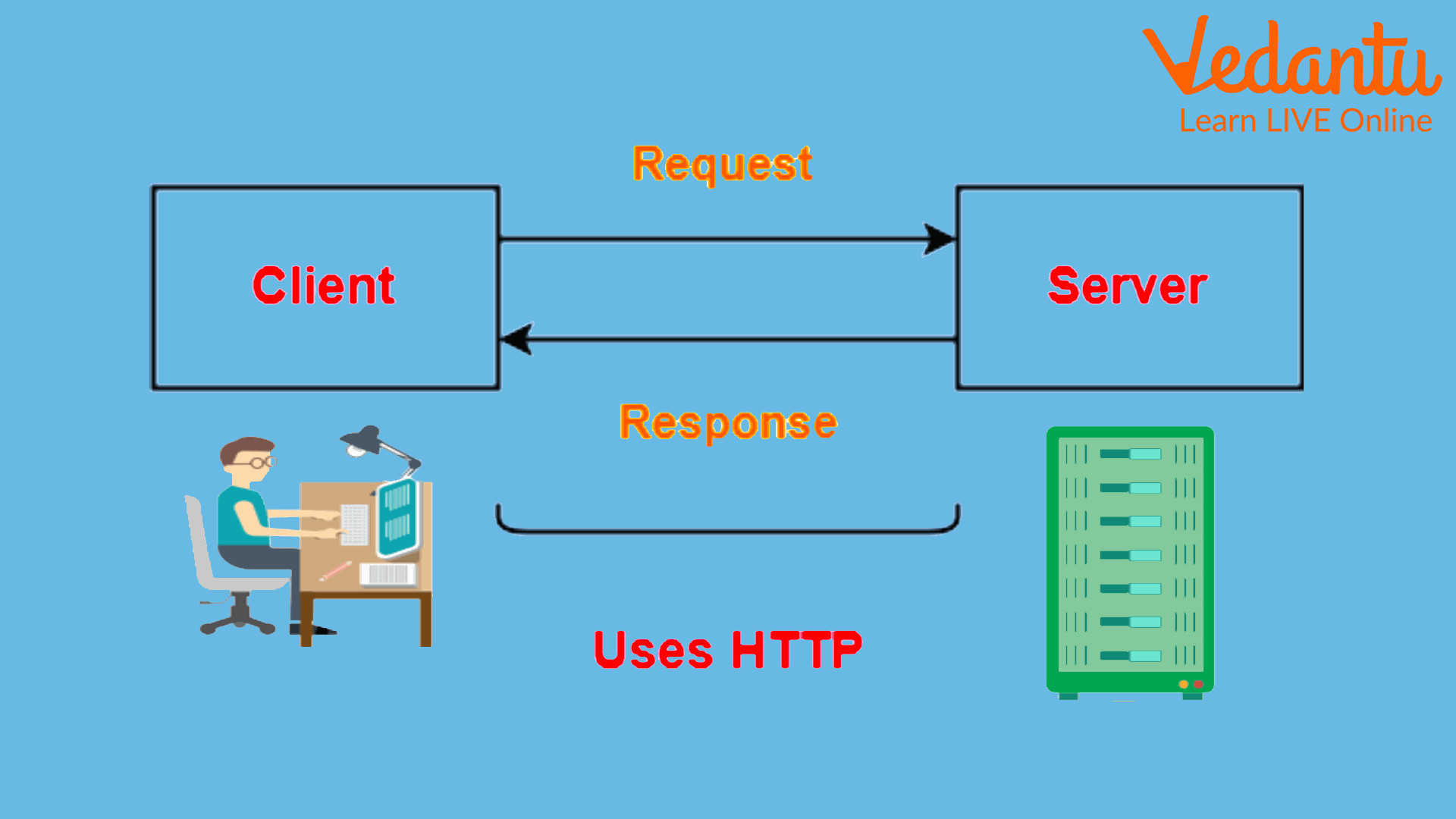
HTTP Request-Response Protocol:
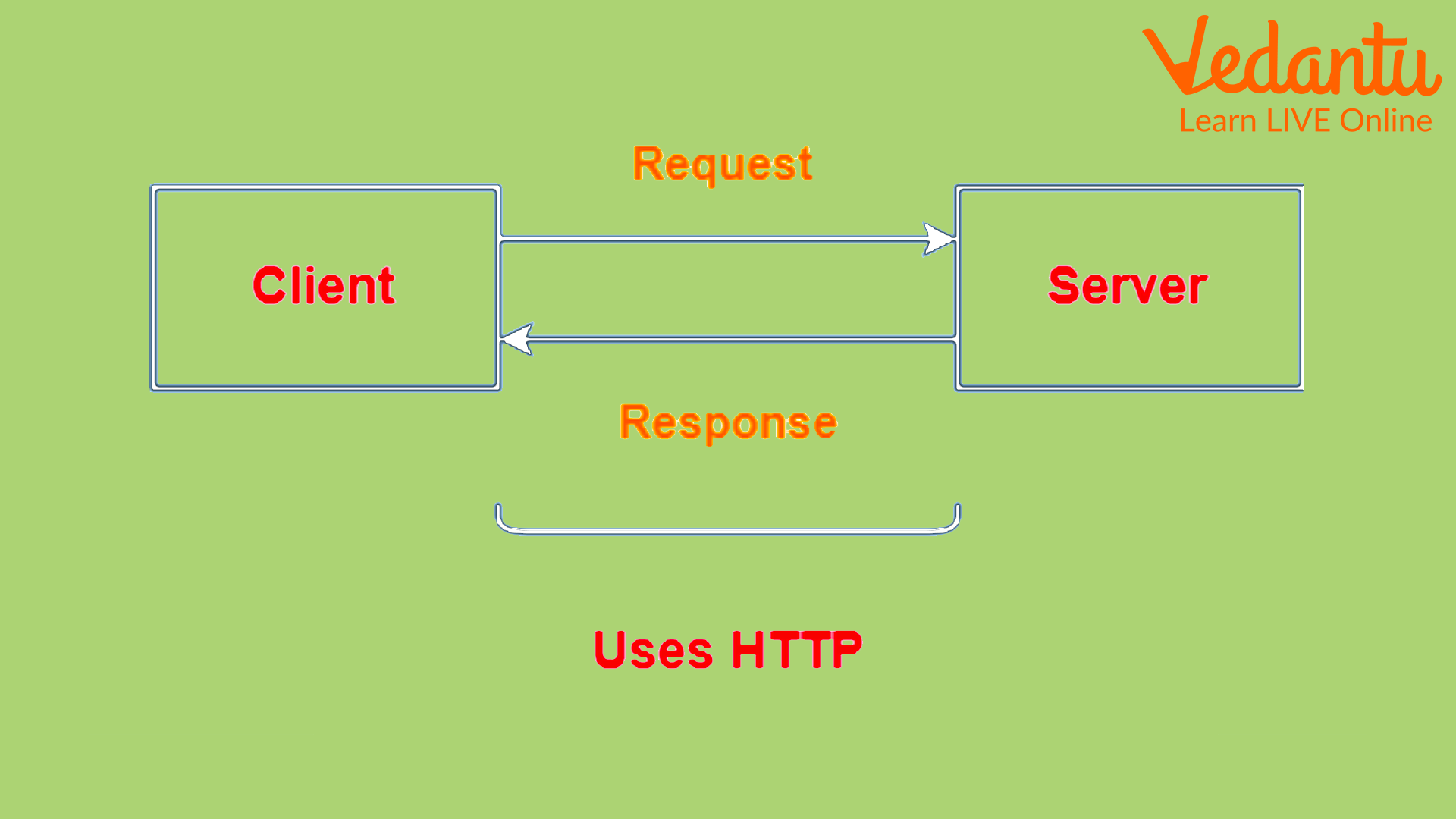
Types and Classification
HTTP can be classified based on versions and request methods.
HTTP Versions
- HTTP/0.9 - Basic version, only GET method supported.
- HTTP/1.0 - Introduced headers and status codes.
- HTTP/1.1 - Persistent connections and improved performance.
- HTTP/2 - Multiplexing and header compression for faster communication.
- HTTP/3 - Uses QUIC protocol over UDP for improved speed and reliability.
HTTP Request Methods
- GET - Retrieve data from the server.
- POST - Send data to the server.
- PUT - Update existing data.
- DELETE - Remove data from the server.
- HEAD - Retrieve headers only.
Components and Structure
An HTTP message consists of specific components that define how communication takes place.
- Request Line - Contains method, URL, and HTTP version.
- Status Line - Contains HTTP version, status code, and status message.
- Headers - Provide additional information about the request or response.
- Body - Contains actual data being transmitted.
Syntax and Example
HTTP Request Syntax
GET /index.html HTTP/1.1
Host: www.example.com
User-Agent: Mozilla/5.0
HTTP Response Example
HTTP/1.1 200 OK
Content-Type: text/html

<html>
  <body>Welcome to HTTP Example</body>
</html>
In this HTTP examples section, the request asks for a web page, and the response returns the HTML content with a 200 OK status code.
Features and Characteristics
- Stateless protocol - Each request is independent.
- Client-server architecture - Separates user interface from data storage.
- Extensible - Supports custom headers and methods.
- Media independent - Can transfer text, images, audio, and video.
- Simple and flexible - Easy to implement and understand.
Advantages
- Easy communication between clients and servers.
- Platform independent and widely supported.
- Supports caching for faster performance.
- Scalable for large web applications.
Disadvantages and Limitations
- Stateless nature requires additional mechanisms like cookies for session management.
- Not secure by default. Data is sent in plain text.
- Can be slower compared to newer optimized protocols in high latency networks.
Applications and Use Cases
- Browsing websites and loading web pages.
- RESTful APIs communication.
- Online banking and e-commerce platforms.
- Cloud services and web applications.
- Data exchange between mobile apps and servers.
Quick Facts About Hypertext Transfer Protocol
| Parameter | Details |
|---|---|
| Type / Category | Application Layer Protocol |
| Developed By | Tim Berners-Lee |
| Year of Development | 1991 |
| Default Port | 80 |
| Used For | Web Communication |
These quick facts summarize important details about HTTP in computer science.
HTTP vs HTTPS
| Feature | HTTP | HTTPS |
|---|---|---|
| Security | Not encrypted | Encrypted using SSL/TLS |
| Port | 80 | 443 |
| Data Safety | Vulnerable to attacks | Secure and protected |
HTTPS is a secure version of HTTP that encrypts communication between the client and server.
Key Terms and Glossary
| Term | Meaning |
|---|---|
| URL | Uniform Resource Locator used to access resources |
| Status Code | Three digit code indicating request result |
| Cookie | Small data stored to maintain sessions |
| Header | Metadata sent with request or response |
Interesting Facts About Hypertext Transfer Protocol
- HTTP was introduced with the first web browser.
- HTTP is a stateless protocol by design.
- HTTP/2 significantly improves performance using multiplexing.
- HTTP/3 uses QUIC instead of TCP.
- Every website URL starting with http:// uses this protocol.
- Status code 404 means resource not found.
Conclusion
Hypertext Transfer Protocol is the backbone of web communication and plays a central role in networking and web technologies. Understanding HTTP definition, working, types, and features helps students grasp how websites and applications exchange data. From simple web browsing to complex cloud systems, HTTP applications are everywhere. Mastering this protocol is essential for anyone learning computer science, web development, or cybersecurity.
FAQs on Hypertext Transfer Protocol HTTP Explained for Beginners and Developers
1. What is Hypertext Transfer Protocol (HTTP)?
Hypertext Transfer Protocol (HTTP) is an application-layer protocol used for communication between web browsers and web servers on the World Wide Web.
- It follows a client-server architecture.
- Used to transfer HTML pages, images, videos, and APIs data.
- Foundation of web development and internet-based applications.
2. How does HTTP work in computer networks?
HTTP works on a request-response model where a client sends a request and the server returns a response.
- Client sends an HTTP request (GET, POST, etc.).
- Server processes it and sends an HTTP response with status code and data.
- Operates over TCP/IP protocol suite, typically on port 80.
3. What are the main components of an HTTP message?
HTTP messages consist of structured request and response formats used in web communication.
- Start Line (Request line or Status line)
- Headers (metadata like Content-Type, Host)
- Body (optional data such as form input or JSON)
4. What are the common HTTP request methods?
HTTP request methods define the action to be performed on a resource in web applications and APIs.
- GET – Retrieve data from server.
- POST – Send data to server.
- PUT – Update existing resource.
- DELETE – Remove a resource.
5. What are HTTP status codes?
HTTP status codes are numeric codes returned by the server to indicate the result of a client request.
- 1xx – Informational responses.
- 2xx – Success (e.g., 200 OK).
- 3xx – Redirection.
- 4xx – Client errors (e.g., 404 Not Found).
- 5xx – Server errors (e.g., 500 Internal Server Error).
6. What is the difference between HTTP and HTTPS?
HTTP transfers data in plain text, while HTTPS secures communication using encryption.
- HTTPS uses SSL/TLS protocols for encryption.
- HTTP operates on port 80; HTTPS on port 443.
- HTTPS improves cybersecurity and data privacy.
7. What are the features and characteristics of HTTP?
HTTP is designed to be simple, fast, and flexible for web-based communication.
- Stateless protocol (each request is independent).
- Supports media types like JSON, XML, HTML.
- Extensible using custom headers.
- Works with RESTful web services and APIs.
8. What are the advantages and disadvantages of HTTP?
HTTP offers simplicity and scalability but lacks built-in security.
- Advantages: Lightweight, widely supported, easy integration with web technologies.
- Disadvantages: Stateless nature, no encryption in basic HTTP, vulnerable to attacks like sniffing.
9. What are the different versions of HTTP?
HTTP has evolved through multiple versions to improve performance and efficiency in web communication.
- HTTP/1.0 – Basic request-response model.
- HTTP/1.1 – Persistent connections and caching improvements.
- HTTP/2 – Multiplexing and header compression.
- HTTP/3 – Uses QUIC protocol over UDP for faster performance.
10. Why is HTTP important for exams and interviews?
HTTP is a fundamental topic in computer networks, web development, and cybersecurity, frequently asked in exams and technical interviews.
- Common in school and college Computer Science syllabus.
- Important for web developer and backend developer interviews.
- Essential for understanding APIs, REST architecture, and cloud computing.
