









How to Access NEET Login 2027 Portal? Direct Candidate Login Link and Complete Guidelines
The NEET login 2027 portal is the main portal where aspirants manage their entire NEET UG 2027 journey. Using the official NEET candidate login, students can register for the exam, complete the application form, upload documents, and download the admit card. This portal is also used later to check the answer key, OMR sheet, and result. Understanding how to access the NEET login 2027 correctly helps candidates avoid common mistakes during the application process. Scroll down to explore the complete NEET login 2027 process, important instructions, and useful information explained by Vedantu.
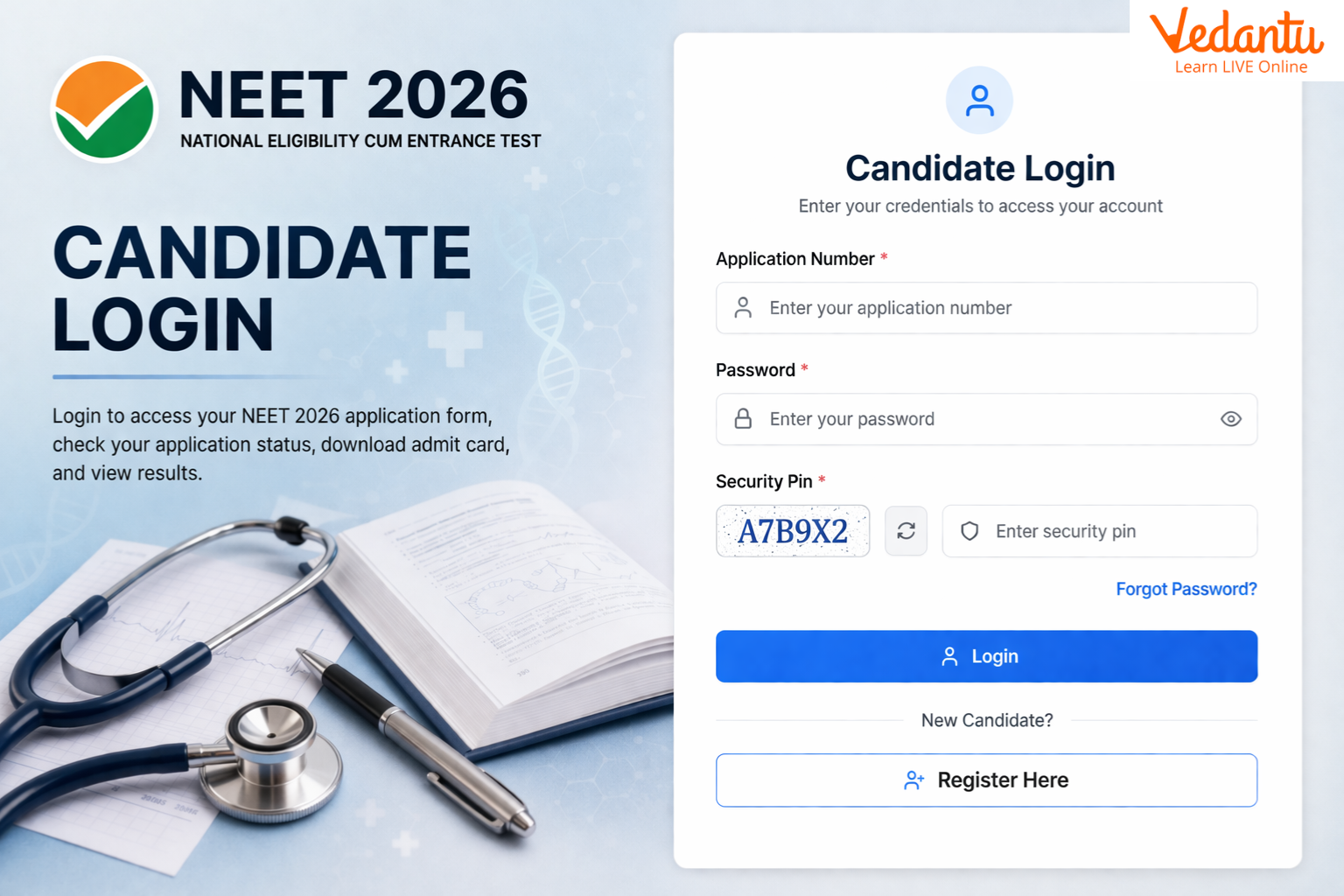
Use the direct link below to open the official NEET login portal and proceed with your application form.
Direct Link: NEET Login 2027
NEET Login 2027: Complete Guide to NEET Candidate Login and Application Steps
The NEET login 2027 portal allows candidates to register, fill the application form, upload documents, and pay the exam fee online. Through the NEET candidate login, students can access their application details, download documents, and track their application status.
Students must carefully complete each step through the NEET student login using the system-generated application number and password created during registration.
Step 1: Register on the NEET Login Portal
The first step is to register on the NEET application login portal and obtain your system-generated Application Number.
Candidates must fill in the required personal details and create a password along with a security question and answer. After successful submission of the details, the system will generate an Application Number, which must be noted carefully.
This Application Number will be used for all future activities including:
Completing the application form
Downloading admit card
Checking results
Accessing updates through NEET login
For subsequent logins, candidates can access the portal using their Application Number and Password.
Check: NEET 2027 Registration NEET 2027 Application Form for complete information and process.
Password Guidelines for NEET Candidate Login
While registering on the NEET login 2027 portal, candidates must create a password according to the following rules:
Password must be 8 to 13 characters long
It must contain at least one uppercase letter
It must contain at least one lowercase letter
It must include at least one number (0–9)
It must include at least one special character such as ! @ # $ % ^ & * -
Important Password Instructions
Candidates should not share their password with anyone
Neither NTA nor NIC will be responsible for misuse of the password
Candidates may change the password after login if required
Always log out after completing the session to avoid unauthorized access
How to Reset Password on the NEET Login Portal?
If candidates forget their password, it can be reset through the NEET candidate login portal using the following options:
Using the Security Question and Answer selected during registration
Using a verification code sent via SMS or email
Using a password reset link sent to the registered email address
Step 2: Complete the NEET Application Form Using NEET Login
After registration, candidates must log in through the NEET student login to complete the application form.
Candidates must fill in:
Personal details
Choice of question paper medium
Preferred examination cities
Educational qualifications
Required documents and images
Also Read: NEET Documents Required
Eligibility for NEET UG 2027
The following candidates are eligible to apply through the NEET login portal:
Indian Nationals
Non-Resident Indians (NRIs)
Overseas Citizens of India (OCI)
Foreign Nationals
Visit: NEET Eligibility Criteria to get complete information.
Uploading Photograph, Signature and Finger Impressions
Candidates must upload scanned images as per the specifications mentioned in the NEET guidelines.
Visit: NEET Photo Size to get the complete details.
Step 3: Fee Payment Through NEET Login Portal
After completing the form, candidates must pay the examination fee through the NEET application login portal.
Payment options include:
Debit Card
Credit Card
UPI
Net Banking
After successful payment, candidates can download the Confirmation Page of the application form.
If the confirmation page is not generated, the application form will be considered incomplete, and the candidate must make the payment again.
Important Payment Instructions
Deduction of money from the bank account does not confirm successful submission
The Confirmation Page is proof of successful application submission
The application fee is non-refundable
If multiple payments are made accidentally, the excess amount will be reconciled after result declaration
NEET Candidate Login for NEET Result 2027
To check the NEET result 2027, candidates must access the official NEET login portal using their application number and password. Once logged in, the scorecard can be downloaded for future reference and counselling.
FAQs on NEET Login 2027: Candidate Portal for Application Form, Admit Card, and Result
1. How to login on NEET website?
First, candidates must register on the official portal to receive their login credentials. After registration, students can access the NEET login page using their Application Number and password to complete the application form and other activities.
2. Has NEET 2027 registration started?
No, the NEET login 2027 registration process will start in February 2027. The Exact date for submitting the Online Application Form for the National Eligibility cum Entrance Test NEET (UG) 2027 will be Announced Soon.
3. How to check NEET results online?
Candidates can check their results using the NEET candidate login portal by following these steps:
Visit the official website neet.nta.nic.in
Click on the NEET Result link
Enter your Application Number, Date of Birth, and Security PIN
Click Submit
View and download your scorecard for future reference
4. How to retrieve my NEET password?
If you forget your password, you can recover it through the NEET student login page:
Click Forgot Password on the login screen
Choose Reset using verification code
Enter the code sent to your registered mobile number or email
Create a new password and log in again
5. What is the new ID for NEET 2027?
The APAAR ID is a 12-digit digital academic ID linked to DigiLocker. It helps verify student records and supports a smoother neet application login process during registration.
6. Is NEET 2027 in online mode?
Not confirmed: NEET 2027 will be conducted in offline pen-and-paper mode or CBT mode.
7. Is NEET registration still open?
For 2026: The last date for submission of Online Application Form for the National Eligibility cum Entrance Test [NEET (UG)] - 2026 has been extended up to 11th March, 2026 (09.00 P.M.)
8. What is the registration fee for NEET 2027?
The expected NEET 2027 application fee is:
General: ₹1700
Gen-EWS / OBC-NCL: ₹1600
SC / ST / PwD / Third Gender: ₹1000
International Candidates: ₹9500
Additional payment gateway charges may apply during fee payment.
